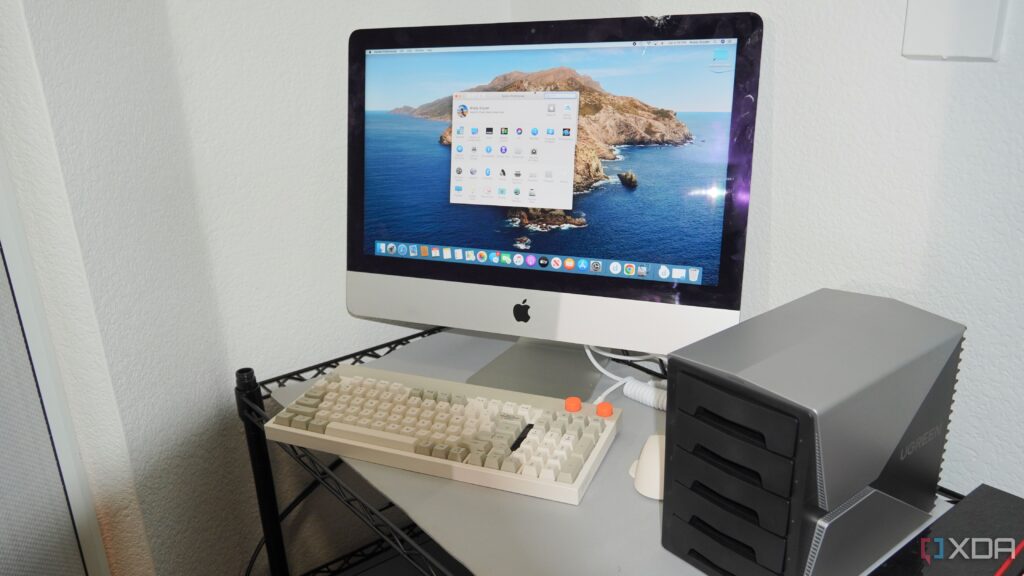
Urgent Update: As remote work continues to dominate the landscape in October 2023, professionals are increasingly relying on Network Attached Storage (NAS) systems to streamline their work-from-home experience. A new report highlights five critical ways a NAS can enhance productivity and reduce chaos for remote workers.
The shift to remote work has shown that while the concept offers flexibility, it also brings unique challenges. A NAS serves as a central hub for data management, enabling professionals to reclaim their time and focus. With many employees juggling multiple devices—from laptops to smartphones—an effective data organization strategy is essential for maintaining work-life balance.
1. All Files in One Location
Prior to utilizing a NAS, many remote workers struggle with scattered files across various devices. A NAS consolidates all data, making it easily accessible. This transition can significantly reduce the time spent searching for crucial documents. One user reported, “Once I moved everything over to the NAS, finding files became a breeze. It lifted a huge mental load.”
2. Effortless Device Synchronization
Jumping between devices often leads to confusion and duplicated files. A NAS eliminates this frustration by syncing files across all devices via software like Synology Drive. Users can transition smoothly from their desktop to a laptop or smartphone, knowing that their files are always up-to-date. This seamless connectivity allows for greater flexibility, especially for those who work in different locations throughout the day.
3. Enhanced Laptop Performance
Heavy processing tasks can slow down laptops, causing delays in workflow. By offloading data management tasks to a NAS, users can maintain optimal laptop performance. “My laptop runs much quieter and faster since I started using a NAS,” one remote worker shared. This efficiency is crucial for maintaining productivity levels during busy workdays.
4. Secure Remote Access
As remote work expands, secure access to data is more important than ever. A NAS allows users to connect remotely through a Virtual Private Network (VPN), providing a secure and encrypted connection. This feature is invaluable for professionals who frequently work from public spaces, ensuring that sensitive information remains protected.
5. Automatic Backups for Peace of Mind
Data loss can occur at any moment, making reliable backup systems essential. A NAS can automate backups and versioning, allowing users to recover previous file versions easily. One user noted, “The ability to roll back to a previous version has saved me countless hours of work and stress.” This system not only protects against accidental deletions but also safeguards hard-earned progress from unforeseen technical issues.
Utilizing a NAS is more than just a storage solution; it is a transformative tool for anyone working from home. As remote work continues to evolve, investing in a NAS can drastically improve efficiency and reduce workplace anxiety.
What’s Next?
As more businesses transition to permanent remote work arrangements, the demand for NAS systems is expected to surge. Professionals are encouraged to explore how integrating a NAS into their home office can revolutionize their workflow.
For those looking to enhance their work-from-home setup, now is the time to consider the advantages of a NAS. The benefits are clear, and with the right tools, remote work can become a more organized and productive experience. Share your thoughts and experiences with NAS solutions on social media to join the conversation!