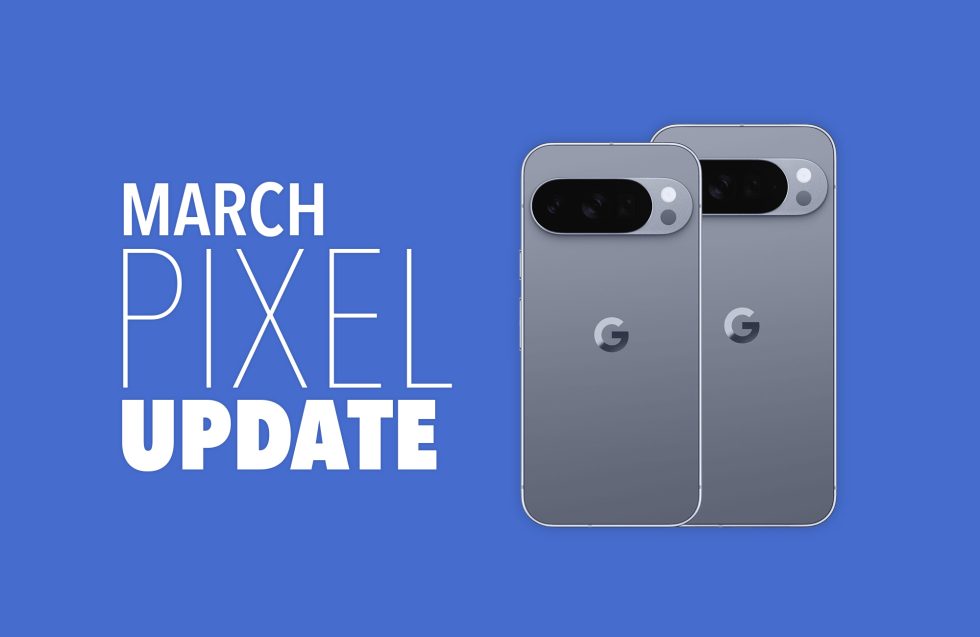
The latest March update for Pixel phones has been released, bringing significant enhancements and new features to users. This update is not only a part of the ongoing Pixel Feature Drop but also marks the quarterly update for the Pixel line, which has been in beta testing under the Android 16 QPR3 Beta program.
With this update, Google aims to address numerous bugs and implement crucial changes to the Android operating system. The quarterly updates are designed to ensure that the Pixel devices operate smoothly and efficiently, with a comprehensive testing process that began in December 2025. This release could be one of the last major updates for Android 16 before the anticipated launch of Android 17 later this year.
Key Features and Device Compatibility
In addition to introducing new functionalities, the March update also brings essential software support to the Pixel 6 and Pixel 7 series, which have recently transitioned to a quarterly update schedule. This change was made without formal announcements, but it enhances the user experience for those devices significantly.
The update includes the following build numbers for various Pixel devices:
– Pixel 6: CP1A.260305.016
– Pixel 6 Pro: CP1A.260305.016
– Pixel 6a: CP1A.260305.016
– Pixel 7: CP1A.260305.016
– Pixel 7 Pro: CP1A.260305.016
– Pixel 7a: CP1A.260305.016
– Pixel Tablet: CP1A.260305.016
– Pixel Fold: CP1A.260305.016
– Pixel 8: CP1A.260305.016
– Pixel 8 Pro: CP1A.260305.016
– Pixel 8a: CP1A.260305.016
– Pixel 9: CP1A.260305.016
– Pixel 9 Pro: CP1A.260305.016
– Pixel 9 Pro XL: CP1A.260305.016
– Pixel 9 Pro Fold: CP1A.260305.016
– Pixel 9a: CP1A.260305.016
– Pixel 10: CP1A.260305.016
– Pixel 10 Pro: CP1A.260305.016
– Pixel 10 Pro XL: CP1A.260305.016
– Pixel 10 Pro Fold: CP1A.260305.016
– Pixel 10a: CP1A.260305.016
How to Access the Update
Google, along with its carrier partners such as Verizon, T-Mobile, and AT&T, will begin rolling out these updates over-the-air shortly. Users can check for the update by navigating to Settings > System > Software updates > System update on their devices.
For those who prefer a manual installation, factory images and OTA files will be made available shortly, allowing users to update at their convenience. Detailed instructions for flashing a factory image and OTA .zip files can be found through Google’s official resources.
This significant update not only enhances device performance but also highlights Google’s commitment to providing regular improvements and support for its Pixel lineup. The March update is set to elevate the user experience across multiple devices, making it a noteworthy release for Pixel phone users globally.