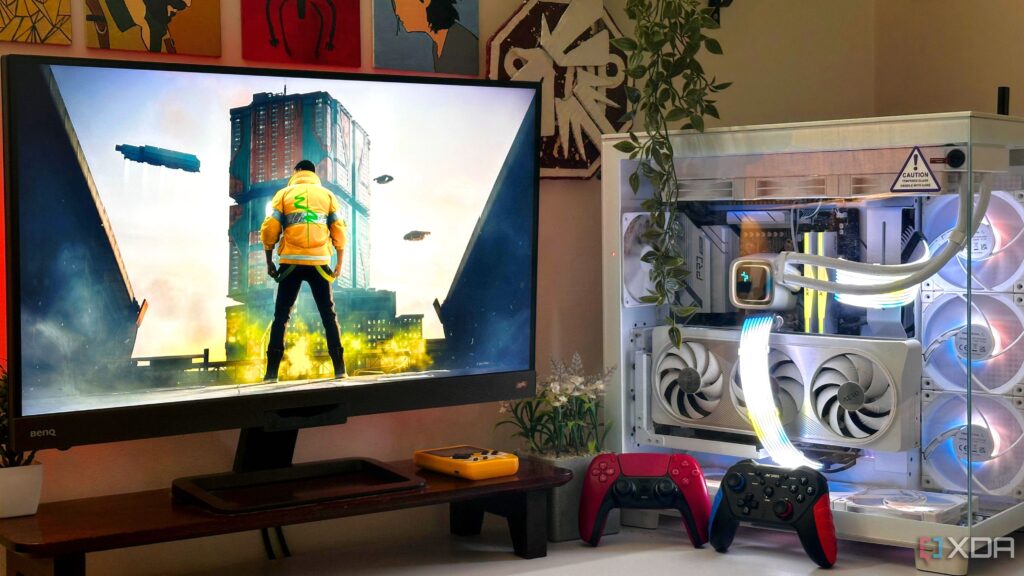
UPDATE: If you’re planning to build your first PC, recent insights reveal that mastering certain skills is crucial for success. As the DIY PC assembly trend surges, new builders must grasp these essential techniques to avoid costly mistakes.
Just announced are six critical skills every novice builder should know before diving into their first project. With many switching from consoles or upgrading from pre-built systems, the learning curve can be steep. Understanding these fundamentals can make or break your experience.
1. Proper Handling of Components
New builders may not realize the importance of handling sensitive parts like the CPU, GPU, and motherboard. Mishandling can lead to irreparable damage. Experts advise watching multiple tutorials to learn the correct installation techniques to prevent costly mistakes. For instance, damaging processor pins can set you back hundreds of dollars.
2. Modifying UEFI Settings
Once your PC is assembled, the next step is booting into the UEFI to adjust BIOS settings. Updates allow you to optimize performance, such as enabling XMP/EXPO settings for RAM speed. Understanding these tweaks can save time and enhance your system’s capabilities.
3. Installing an OS from Scratch
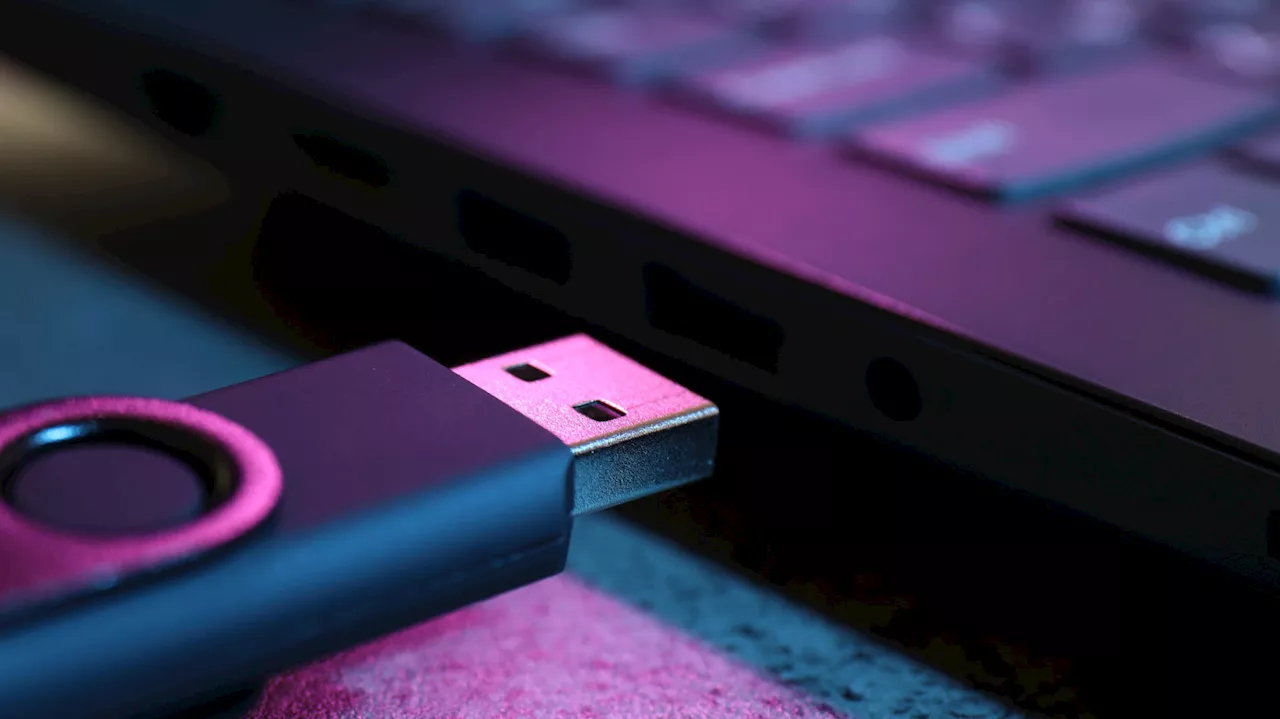
Before you can start using your new build, you need to install an operating system. Preparing a bootable USB drive with a Windows ISO in advance is crucial. Failing to do so can lead to delays and frustration at the moment of assembly.
4. When to Update BIOS and Drivers
Updating your motherboard’s firmware is essential for stability and security. However, not every update is necessary. Experts recommend prioritizing security patches while avoiding minor updates unless faced with performance issues.
5. Balancing Noise and Thermals
Achieving a quiet yet efficient cooling system is vital. Proper fan configuration and management can minimize noise and ensure optimal performance. Understanding fan curves can help maintain a balance between cooling efficiency and sound levels.
6. Diagnosing Faulty Hardware and Software
As you use your PC, be prepared to troubleshoot issues like slowdowns or crashes. Familiarize yourself with diagnostic tools like HCI MemTest for RAM and CrystalDiskInfo for storage. This knowledge will empower you to resolve problems swiftly.
As more individuals venture into PC building, these crucial skills will enhance their experience and outcomes. The excitement of building a PC can be overshadowed by preventable issues if you’re not adequately prepared. Don’t wait—start learning these skills today to ensure your first build is a success.
For anyone contemplating this rewarding journey, embracing these skills will not only boost confidence but also lead to a smoother building process. Act now to equip yourself with the knowledge needed to navigate the complexities of PC assembly!