Improper laptop ergonomics can lead to discomfort and long-term health issues, particularly affecting the neck and wrists. A recent video by ergonomics expert Moniz provides insights into common mistakes made by users and offers practical solutions to enhance workspace comfort. By analyzing reader-submitted desk photos, Moniz highlights adjustments that can significantly improve productivity and physical well-being.
Identifying Common Mistakes
One prevalent issue is the tendency to view a laptop as a standalone setup without considering the surrounding workflow. Moniz points out that many setups force users to twist their heads to see their screens. This not only causes discomfort but can also detract from focus and efficiency. The video emphasizes that enhancing ergonomics often requires strategic placement rather than purchasing new equipment.
For instance, in one setup, the laptop was positioned in a way that necessitated constant neck rotation. Moniz recommended simply closing the laptop and relocating it so the primary screen is directly in line with the user’s natural gaze. Such minor adjustments can lead to major improvements in comfort.
Another example included a setup with a laptop placed off to the side, which led to unnecessary strain. Moniz reiterated that users should not rely on the mindset of “I’ll get used to it.” Instead, he encourages proactive adjustments to create a more conducive working environment.
Creating a Functional Workspace
Clutter on a desk can also hinder performance. In one analysis, Moniz observed excessive audio equipment and cables occupying valuable space. His advice was clear: reroute anything that doesn’t need to be on the surface and minimize distractions. This approach not only enhances usability but also promotes a more organized appearance.
Moniz also addressed the importance of an appropriate chair, emphasizing that this is one investment that will continue to pay off regardless of changes to laptop technology. The right chair can significantly affect overall posture and comfort during prolonged use.
For those who share their workspace with gaming equipment, Moniz had pointed suggestions. He noted that a PlayStation 5 occupying desk space can be a poor use of real estate. He recommended relocating it to a cabinet below the desk, freeing up valuable space for the laptop and main display.
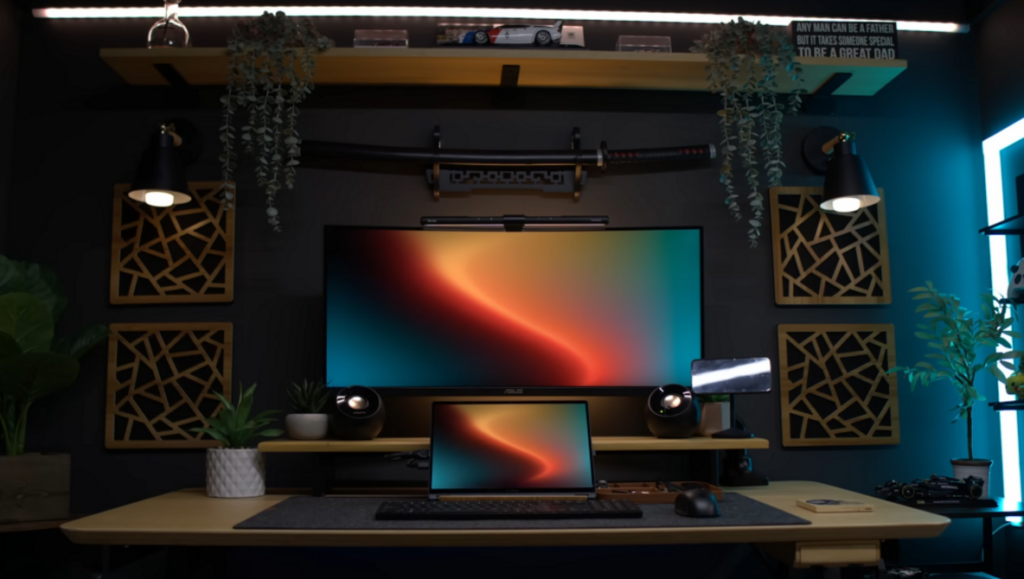
The video further discusses the benefits of a vertical second display. Moniz suggests angling both screens to align with the user’s seated position, which can reduce neck strain and enhance productivity. He advocates for setups that conceal the laptop and utilize a single connection through a docking station, thereby streamlining the workspace.
Ultimately, Moniz does not promote a one-size-fits-all solution. Instead, he repeatedly returns to three key areas of focus: the direction of head movement, the positioning of hands, and cable management. By addressing these components, users can create a workspace that is both functional and comfortable.
In conclusion, the insights shared by Moniz serve as a valuable guide for anyone looking to improve their laptop ergonomics. For a comprehensive look at these recommendations, viewers can access the full video. The aim is to foster a workspace that not only supports productivity but also prioritizes health and comfort.
Alex Cooke, a Cleveland-based photographer and meteorologist, underscores the importance of these ergonomic principles while balancing his creative pursuits with time spent with horses and rescue dogs.