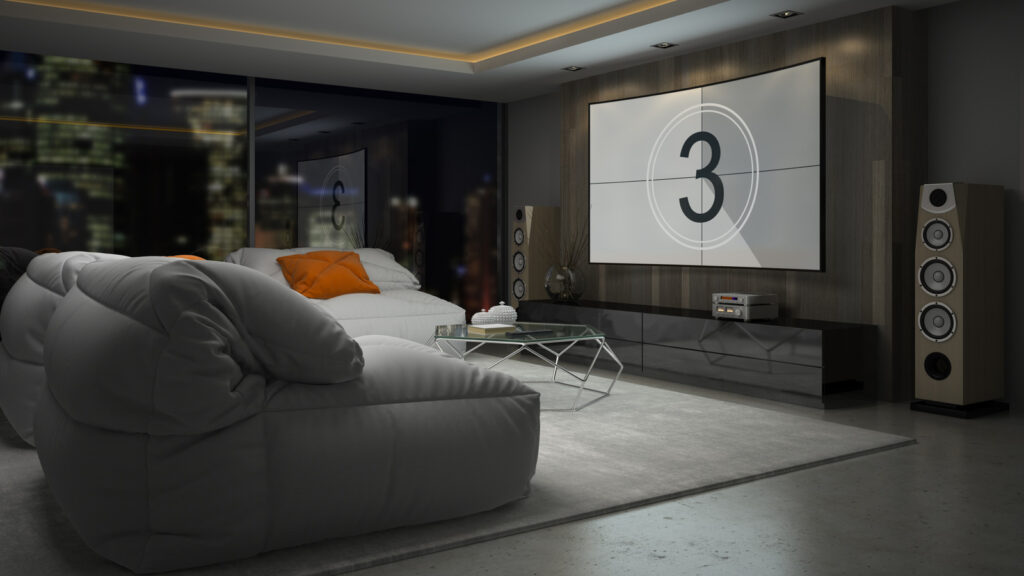
Setting up a home theater system can transform your viewing experience, yet many enthusiasts find the process daunting. With numerous decisions to make, from selecting the right audio equipment to arranging speakers optimally, it’s easy to overlook critical settings that can enhance sound quality significantly. By focusing on just a few key adjustments, users can greatly improve their audio output without extensive technical knowledge.
Start with Auto Calibration
One of the first steps in optimizing your home theater audio is utilizing the auto-calibration feature available on most modern receivers. Known under various names such as Audyssey by Marantz, MCACC by Pioneer, and DCAC by Sony, this function analyzes your room’s acoustics and speaker placement. It runs a series of test tones or white noise to balance the sound output for an immersive experience.
Depending on the system, you may need to position a microphone in a key seating area during calibration. Following this process can lead to a well-balanced sound profile, setting the stage for an enhanced audio experience.
Choose the Right Audio Preset
With many manufacturers simplifying the setup process, most modern home theater systems include preset audio profiles tailored for specific activities such as watching movies, playing video games, or listening to music. These presets, designed to optimize sound for various content types, can be a quick way to improve audio without manual adjustments.
While televisions often provide basic presets, home theater systems typically offer more specialized options due to their higher-quality speakers. Users should ensure they select the appropriate preset for the content they are enjoying to maximize sound quality.
Another crucial aspect to consider is the surround sound format. Formats like Dolby Atmos and DTS:X provide an immersive audio experience, and many modern receivers can automatically adjust the sound format based on the content. Some systems allow users to select the format manually, which can significantly influence audio perception.
Adjust the Crossover Frequency
Understanding the crossover setting can yield immediate benefits for your home theater sound. This setting acts as a filter, directing frequency ranges to the appropriate speakers—tweeters, midrange, or woofers—ensuring clarity and minimizing distortion.
For larger speakers and subwoofers, an initial setting around 80Hz is often recommended. Smaller speakers may require adjustments upwards to 90Hz or 100Hz. Users can find the crossover adjustment either on a physical knob or within the system’s menu, allowing for customization based on personal preference.
Proper speaker placement remains vital, as it can impact the effectiveness of sound delivery. Even after positioning speakers accurately, users should ensure their system is configured to reproduce surround sound rather than defaulting to stereo output. Many systems initially come set to stereo, limiting the audio experience to two channels. Switching to surround sound is typically straightforward and can be done through the audio menu.
Utilize Dynamic EQ for Enhanced Clarity
Another feature to consider is dynamic EQ, a smart audio adjustment found in most contemporary receivers. This technology automatically modifies bass and treble frequencies based on volume levels, helping to maintain clarity at different sound levels.
Dynamic EQ monitors real-time volume changes and adjusts accordingly, ensuring that significant audio details are preserved. Audio professionals often advise using this feature at lower volume levels, as it is designed to enhance clarity without distortion in quieter settings. If high volume is preferred, turning off dynamic EQ may yield better results.
By concentrating on these essential settings, home theater enthusiasts can significantly improve their audio experience. Even without extensive technical knowledge, simple adjustments can lead to a more immersive and enjoyable viewing experience.