PCs, especially older models, often experience a decline in performance over time. A common solution for enhancing speed on older machines is the use of a built-in Windows feature known as ReadyBoost. This functionality allows users to utilize a USB flash drive as a cache, improving access to frequently used files, particularly on computers with limited RAM and traditional hard disk drives (HDDs).
Understanding ReadyBoost and Its Benefits
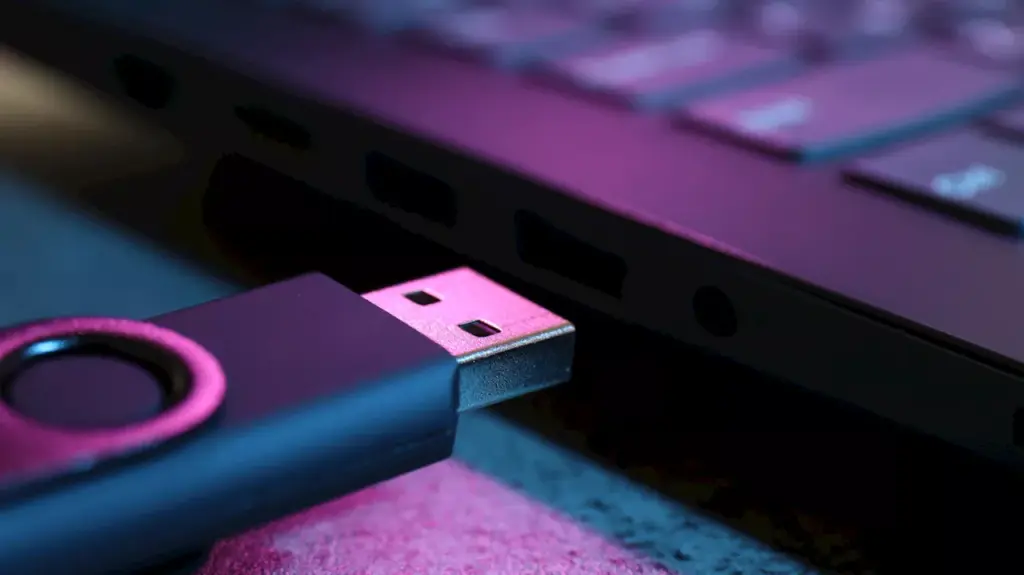
ReadyBoost is not a substitute for RAM but serves as a supplementary tool. With many PCs running on 2GB to 4GB of RAM, upgrading hardware may not be feasible due to compatibility issues. In such cases, leveraging a spare USB port and a fast flash drive can lead to noticeable performance improvements. By caching frequently accessed files, the system retrieves them more quickly from the flash drive than from the slower HDD, resulting in a more responsive user experience.
To effectively use ReadyBoost, users need a USB flash drive with a minimum storage capacity of 4GB and a computer operating on Windows 10 or earlier versions. Some earlier editions of Windows 11 also support this feature, but versions released after Windows 11 22H2 do not include ReadyBoost functionality by default.
Setting Up ReadyBoost
Activating ReadyBoost is a straightforward process. Once the USB drive is connected to an available port, users should open File Explorer by pressing Windows + E. Right-clicking the flash drive and selecting “Properties” will reveal a “ReadyBoost” tab. Users can then choose “Use this device,” adjust the slider to allocate the desired storage for ReadyBoost, and finalize the setup by clicking “Apply” and “OK.” Windows will create a file named “ReadyBoost.sfcache” on the flash drive to facilitate this operation.
For optimal performance, it is generally advised to reserve 1-3 times the amount of installed RAM for ReadyBoost. Therefore, if a computer has 2GB of RAM, setting aside 2GB to 6GB for ReadyBoost is recommended. Additionally, ReadyBoost can also function with a fast SD card, offering similar benefits.
While ReadyBoost can significantly enhance the speed of older computers, it may not be advantageous for modern systems. Computers equipped with solid-state drives (SSDs) and 8GB to 16GB of RAM are already capable of efficiently handling most tasks. In such instances, the performance benefits of using a USB flash drive as a cache may be negligible.
For those still using older hardware, ReadyBoost remains a viable option to breathe new life into sluggish systems. By following the setup process and optimizing configurations, users can experience a marked improvement in their computer’s responsiveness.