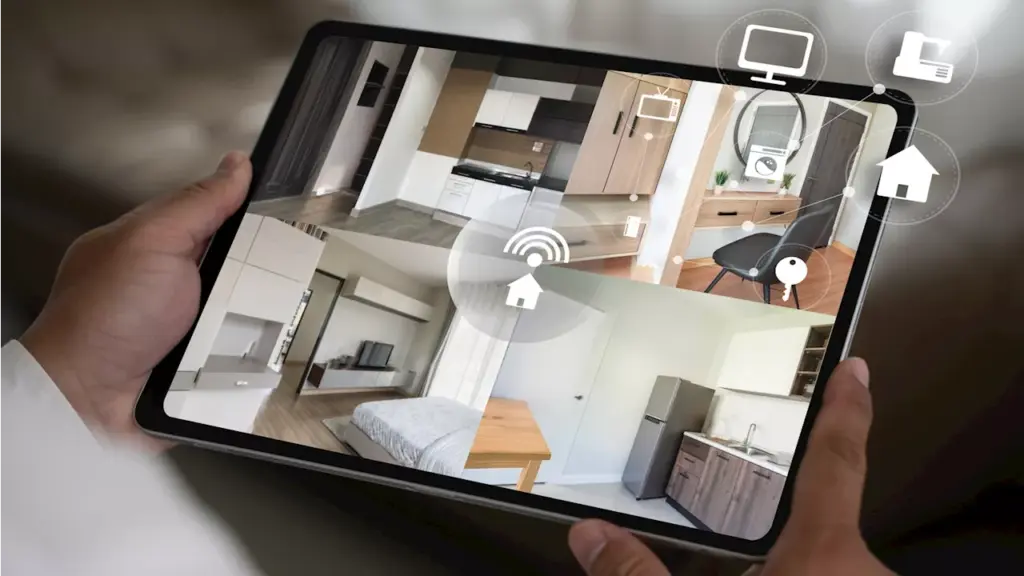
The rising cost of professional home security systems has led many homeowners to explore more affordable alternatives. A complete security kit, such as the Ring Alarm 14-piece set, retails for approximately $329, while a SimpliSafe eight-piece kit costs around $239. However, a simple DIY solution using old webcams can provide an effective and economical home security setup.
Webcams, often overlooked as potential security devices, can be easily transformed into a makeshift surveillance system. By connecting them to a computer and utilizing dedicated software, users can create a functional security network without the hefty price tag associated with commercial systems. This approach allows homeowners to repurpose existing equipment while also benefiting from the low cost of new webcams, which have become increasingly affordable.
Steps to Set Up Your DIY Security System
Setting up a DIY security camera system is straightforward. Start by gathering the webcams you plan to use. If you have old or unused webcams, great; if not, consider purchasing inexpensive models that are compatible with your computer.
Next, select a suitable webcam security software. Options like Alfred, iSpy, and Security Eye offer free versions with essential features. Once you have chosen your software, follow the installation instructions to get started.
Deciding on camera placement is crucial. Position webcams to monitor potential entry points, such as doors and windows, or central areas like the living room. If you have specific areas of concern, such as pet spots or valuable items, angle the cameras accordingly. Each webcam must connect to the computer, which will capture and record the video feed.
Finally, check each camera’s video feed to ensure proper positioning and functionality. Running tests will help confirm that all connections are secure and that the software is operating correctly. With these steps, you will have established a cost-effective security camera system.
Choosing the Right Software and Ensuring Security
There are various software options available for your DIY webcam security system. Each platform offers unique features, so it’s essential to choose one that meets your specific needs.
Security is a critical consideration when using webcams, as they can present hardware vulnerabilities. To mitigate risks, regularly update your webcam firmware and change default passwords. Even free software options like those mentioned provide adequate security measures when configured correctly.
Alfred is a versatile choice compatible with computers, Android smartphones, and Apple iPhones. It can also utilize spare phones as additional security cameras. Meanwhile, iSpy supports Windows, macOS, and Linux, boasting integrations with smart home devices like Amazon Alexa. It can send notifications to your phone or email, allowing you to respond quickly to security alerts.
For Windows users, Security Eye offers features such as motion detection, snapshot capabilities, and customizable recording schedules. This function can be particularly useful for users who prefer a more automated approach to home security.
With these guidelines and software options, homeowners can create a reliable DIY home security system that provides peace of mind without significant financial investment. As technology continues to evolve, innovative solutions like this empower individuals to take control of their security needs effectively.