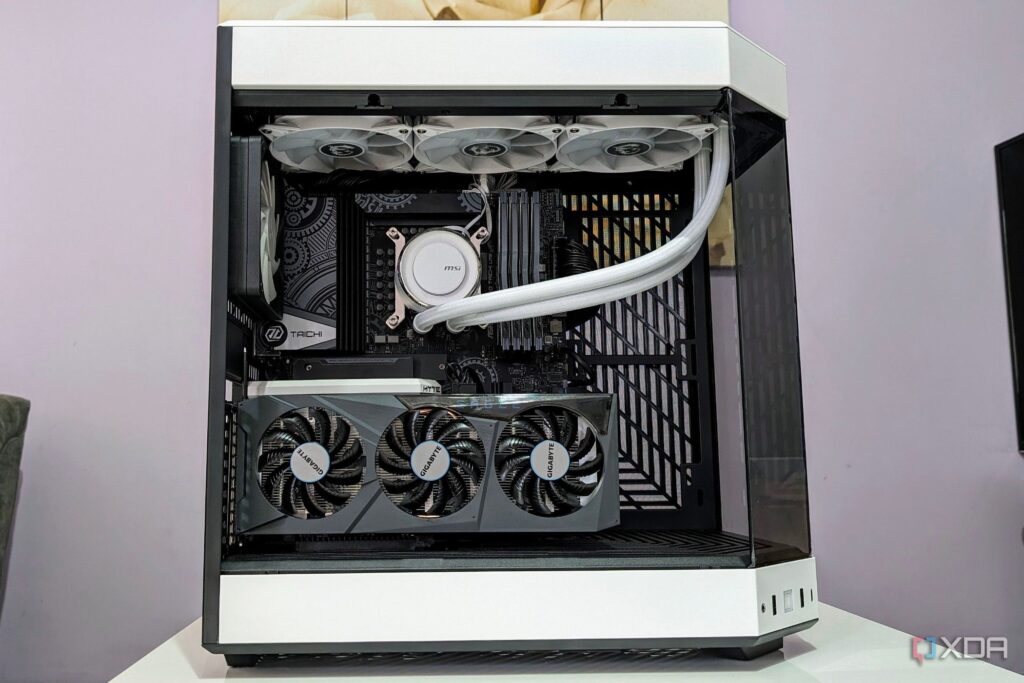
URGENT UPDATE: Tech experts are sounding the alarm on potential pitfalls of PC upgrades that could lead to performance issues or even hardware failures. With millions of gamers and professionals upgrading their systems as the demand for high-performance PCs surges, it’s crucial to understand the risks associated with improper installations.
New reports confirm that even minor oversights during upgrades can result in serious problems such as instability, decreased performance, or complete hardware failure. Here are the six critical areas to focus on.
1. CPU Upgrades: If you’re planning to upgrade your CPU, be aware that failing to update the BIOS can leave your new processor unusable. Experts stress that BIOS updates are essential for compatibility with next-generation CPUs. Without the correct microcode updates, your system may not boot, and you could miss out on important performance improvements.
2. CPU Cooler Installation: A common mistake is mixing old thermal paste with new. This can create air bubbles and uneven contact, drastically reducing cooling efficiency. To ensure optimal performance, always clean off the old paste completely before applying a new layer.
3. RAM Configuration: Many users assume that their RAM will automatically run at its advertised speed, but this is often not the case. You must enable XMP profiles in your BIOS settings. Additionally, mixing different RAM kits can lead to severe performance issues, including instability and slower speeds due to compatibility mismatches.
4. GPU Driver Conflicts: If you’re switching from AMD to Nvidia or vice versa, it’s imperative to use the Display Driver Uninstaller (DDU) to completely remove old drivers. Failing to do so could result in low frame rates, in-game stuttering, and other conflicts that ruin your gaming experience.
5. NVMe Drive Placement: Choosing the correct PCIe slot for your NVMe drive is critical. Using a Gen 5 drive in a Gen 4 slot caps its speed and may even disable other ports on your motherboard. Always check the motherboard manual to avoid bandwidth-sharing issues.
6. Power Supply Cables: When upgrading your power supply, use only the cables that came with the new unit. Different brands and revisions can have varying pin layouts, and using the wrong cables could fry your components or lead to critical failures.
WHAT TO WATCH FOR: As tech enthusiasts prepare for the holiday season, experts urge caution. Each of these mistakes can lead to significant financial loss and frustration. If you are unsure about your upgrade process, consider consulting online resources or professional technicians.
This urgent advisory aims to help users maximize their new components while minimizing risks. Make sure to share this information with fellow tech enthusiasts to ensure everyone gets the most out of their upgrades safely!