URGENT UPDATE: New insights reveal that popular Windows “optimizations” could actually be damaging your PC’s performance. Experts caution users to reconsider widely recommended practices, especially those related to RAM and disk caching, as of July 15, 2023.
Many Windows users are on a relentless quest for top performance. However, recent findings suggest that certain tools and techniques promoted as “optimizations” can lead to slower systems instead of the desired speed boost. This is particularly concerning for those relying on these methods to enhance their computing experience.
One major red flag is the use of RAM cleaning programs. Despite their claims, these tools do not improve system performance and can cause significant slowdowns. As experts explain, Windows is designed to manage RAM efficiently. When users forcefully clear RAM, they risk losing crucial data that aids multitasking. This can lead to longer load times as the system retrieves data from the disk instead, ultimately hampering performance.
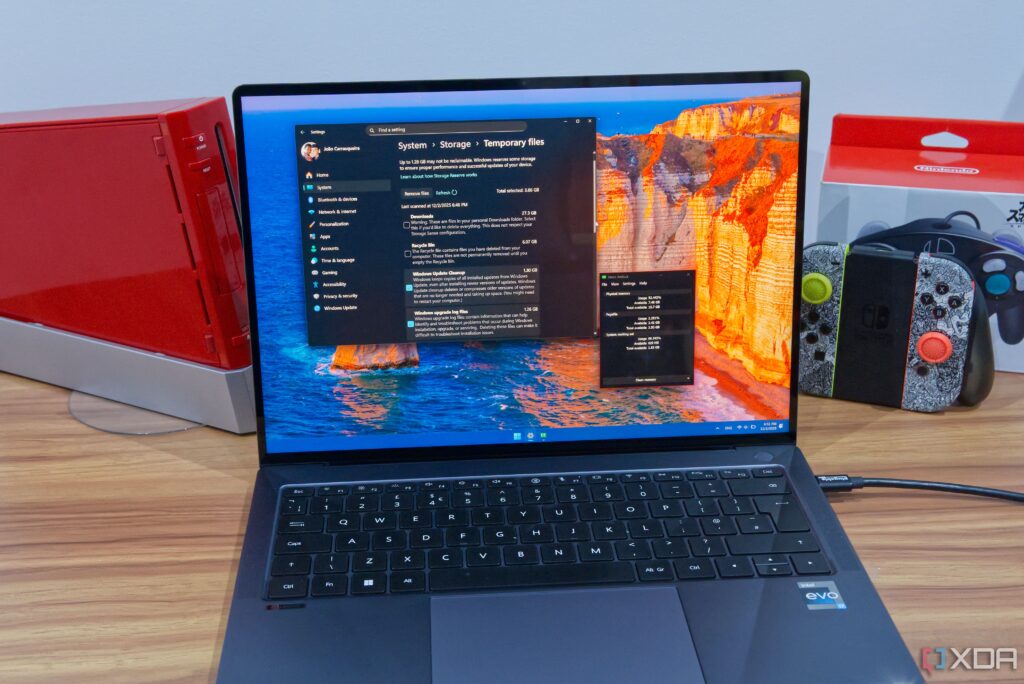
Similarly, the practice of regularly clearing disk caches is under scrutiny. Tools like CCleaner and Disk Cleanup are often utilized to free up space, but frequent use may backfire. Cached files are essential for quick access to frequently used data, speeding up application performance. Deleting these files unnecessarily can create a temporary lag as the system rebuilds the cache, negatively affecting user experience.
Moreover, experts are advising against using registry cleaning software. Although some might believe removing unused registry keys could enhance performance, the reality is that it does not make a noticeable difference. Worse, it can disrupt the functionality of applications that rely on those registry keys, causing more harm than good.
The takeaway is clear: instead of relying on these so-called optimizations, users should focus on effective file management and optimizing startup tasks. If your system genuinely requires more RAM, investing in an upgrade is the most reliable solution.
As these revelations unfold, users are urged to be cautious about the tools and techniques they employ for performance enhancement. For those striving for a faster computing experience, understanding what truly benefits your system is paramount. Share this news to inform others and help them avoid common pitfalls that could be slowing down their PCs!