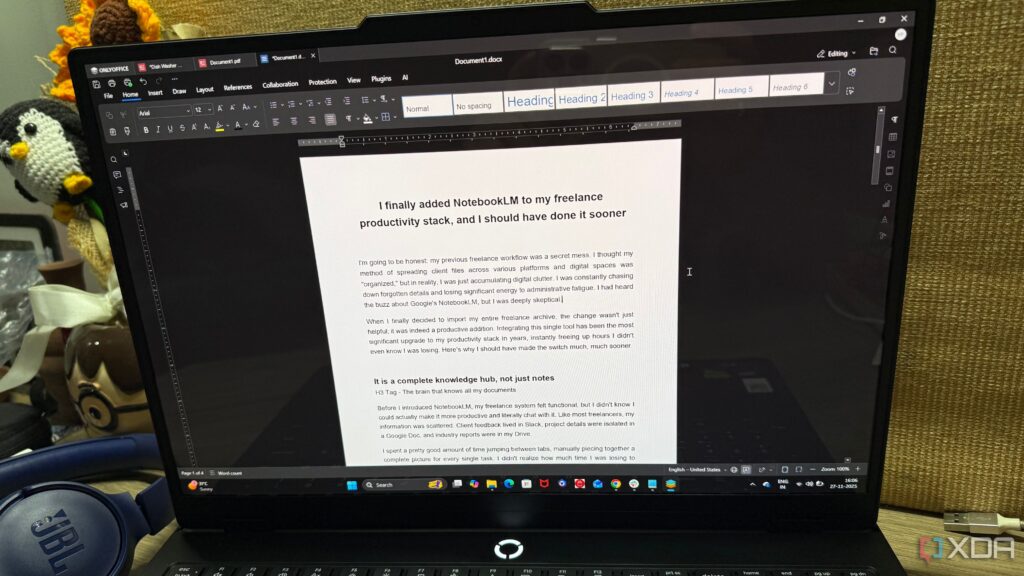
UPDATE: A growing number of freelancers are making a significant switch from traditional office software to the streamlined OnlyOffice suite, citing enhanced productivity and cost savings. This trend is gaining momentum as users report life-changing improvements in their daily workflows.
Freelancers, once tethered to Microsoft Office and Google Docs, are now embracing OnlyOffice, which promises a more efficient and user-friendly experience. With October 2023 marking a pivotal moment, many are sharing their success stories online, showcasing how they have eliminated the need for expensive subscriptions while maintaining high-quality work.
The decision to transition away from heavyweight applications like Adobe Acrobat and Microsoft PowerPoint has proven to be revolutionary. Users report being overwhelmed by the complexity of these tools, often only needing basic functionalities. OnlyOffice’s integrated PDF editor means no longer relying on slow, cumbersome software for simple tasks like signing contracts or merging documents.
One freelancer noted, “Switching to OnlyOffice completely changed this headache. I can now convert any document to a PDF and back again without messing up the look of the file. Signing a document or adding quick notes is all done instantly.” This sentiment is echoed across various user reviews, highlighting the suite’s efficiency.
The presentation capabilities of OnlyOffice are another game-changer, particularly for professionals who need to create client presentations quickly. Users praise the OnlyOffice Presentation Editor as a free alternative to PowerPoint, allowing for clean and professional slides without the overwhelming features that often go unused. Freelancers are thrilled about maintaining compatibility with native PowerPoint files, ensuring their final product is exactly as intended.
Shifting from Google Docs to OnlyOffice has also garnered attention as users express frustration over Google’s dependence on internet connectivity and formatting limitations. “The offline editing alone was a huge relief,” one user stated. “No distractions, no random suggestions popping up, and no slowdowns.” The relief this brings to those handling extensive documents is palpable, making the switch to OnlyOffice seem increasingly appealing.
Excel users are also finding solace in OnlyOffice’s spreadsheet editor. Freelancers managing budgets and tracking projects often felt burdened by Excel’s hefty subscription fee for features they rarely utilized. One user remarked, “OnlyOffice ended up being a better fit. I could manage content timelines and client projects without dealing with the bulkiness of Excel.”
The transition has not been without its minor drawbacks, such as a slightly longer start time. However, the overwhelming consensus is that these inconveniences are far outweighed by the benefits. As freelancers continue to share their success stories, it is clear that OnlyOffice is gaining traction as a viable alternative to traditional office software.
The surge in OnlyOffice’s popularity reflects a broader trend among professionals seeking to optimize their workflows and reduce costs. As users report increased productivity and fewer frustrations, the movement away from legacy office applications is likely to grow.
For those still clinging to Microsoft Office and Google Docs, the time to reconsider might be now. With the clear advantages highlighted by freelancers who have made the switch, OnlyOffice is positioning itself as a leading choice in the evolving landscape of digital productivity tools.
Stay tuned for further updates as this trend develops and more users share their experiences with OnlyOffice. Will this be the future of office software? Only time will tell, but the signs are promising.